W.00 Walk-through
The real application, one step at a time.
Each frame below is the shipping application working the synthetic worked example, from the first screen to a sealed package. All example data is synthetic. To see Tracepoint on your own organization's findings, request a pilot.
W.01 The five steps
The whole flow in five frames.
The worked example is a plain-English scenario built from synthetic data. Each frame below is the application itself at that step.
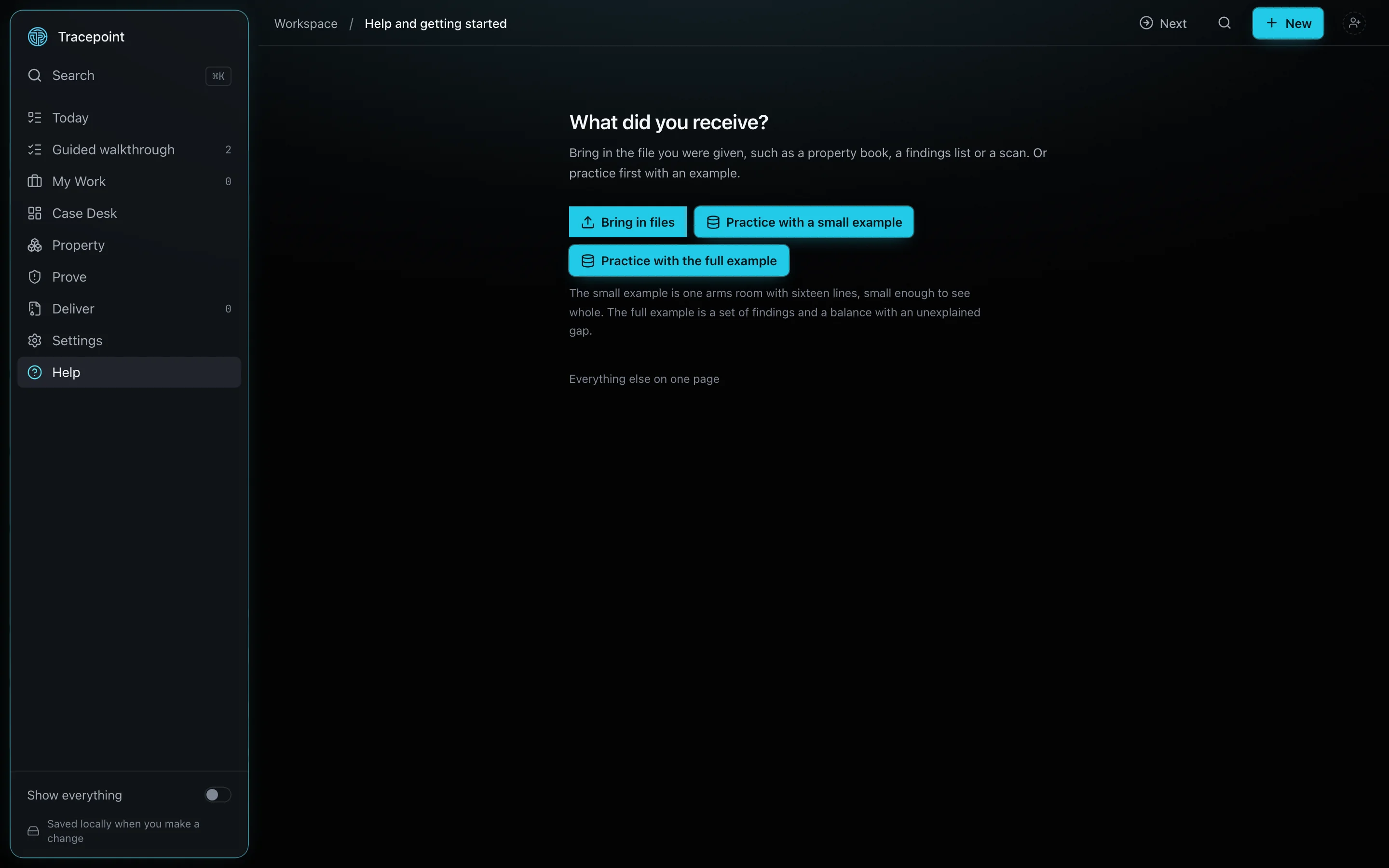
Load the example
The first screen asks what you received and offers three starting points: bring in files, practice with a small example, or practice with the full example. The full example brings in findings, controls, corrective actions, evidence, and balances together, and the activity trail shows every one of them being created.
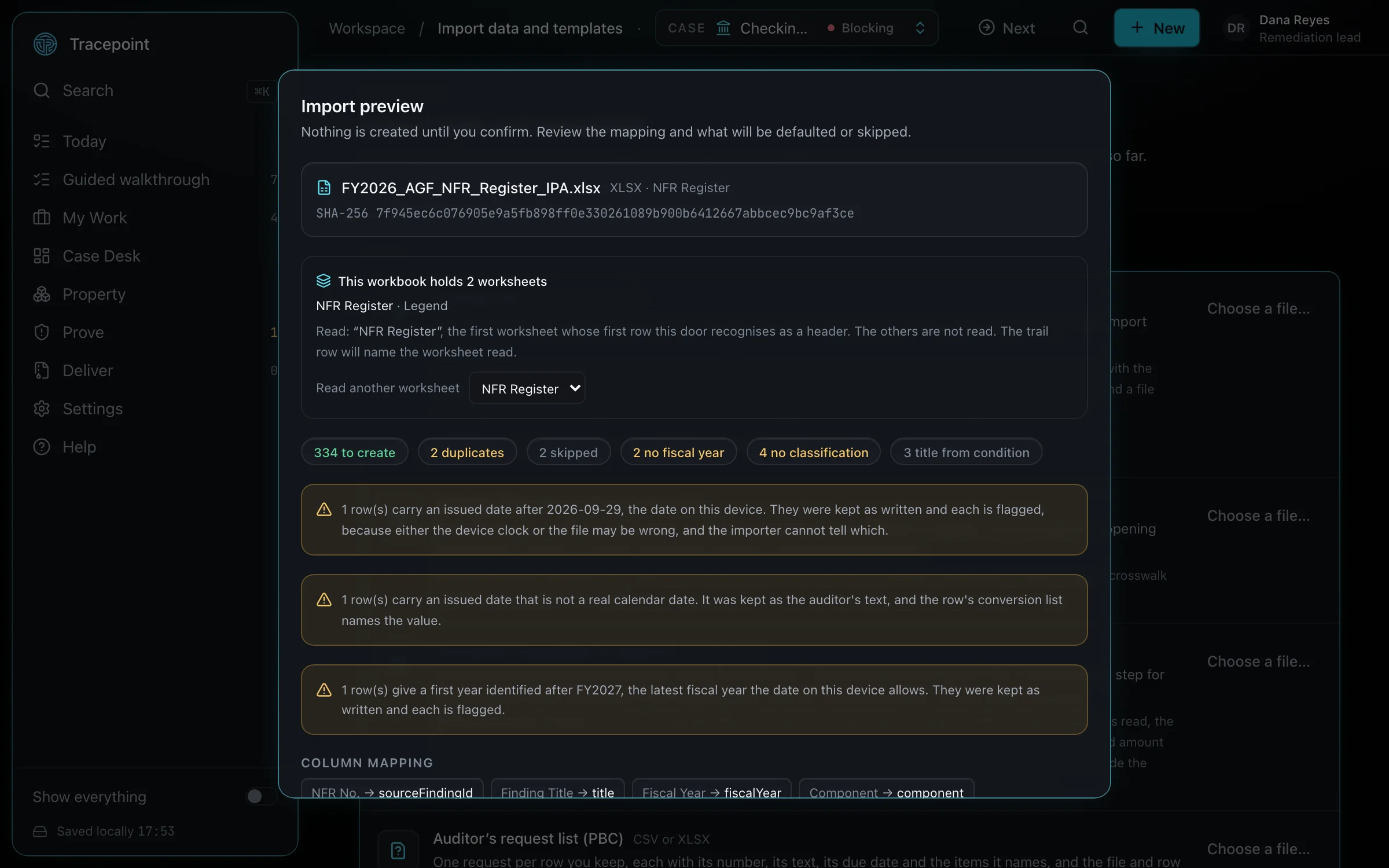
See how a file comes in
The import preview shows what will be created, defaulted, and refused, with the file's SHA-256, before anything is created. This frame shows the real build reading the example findings register.
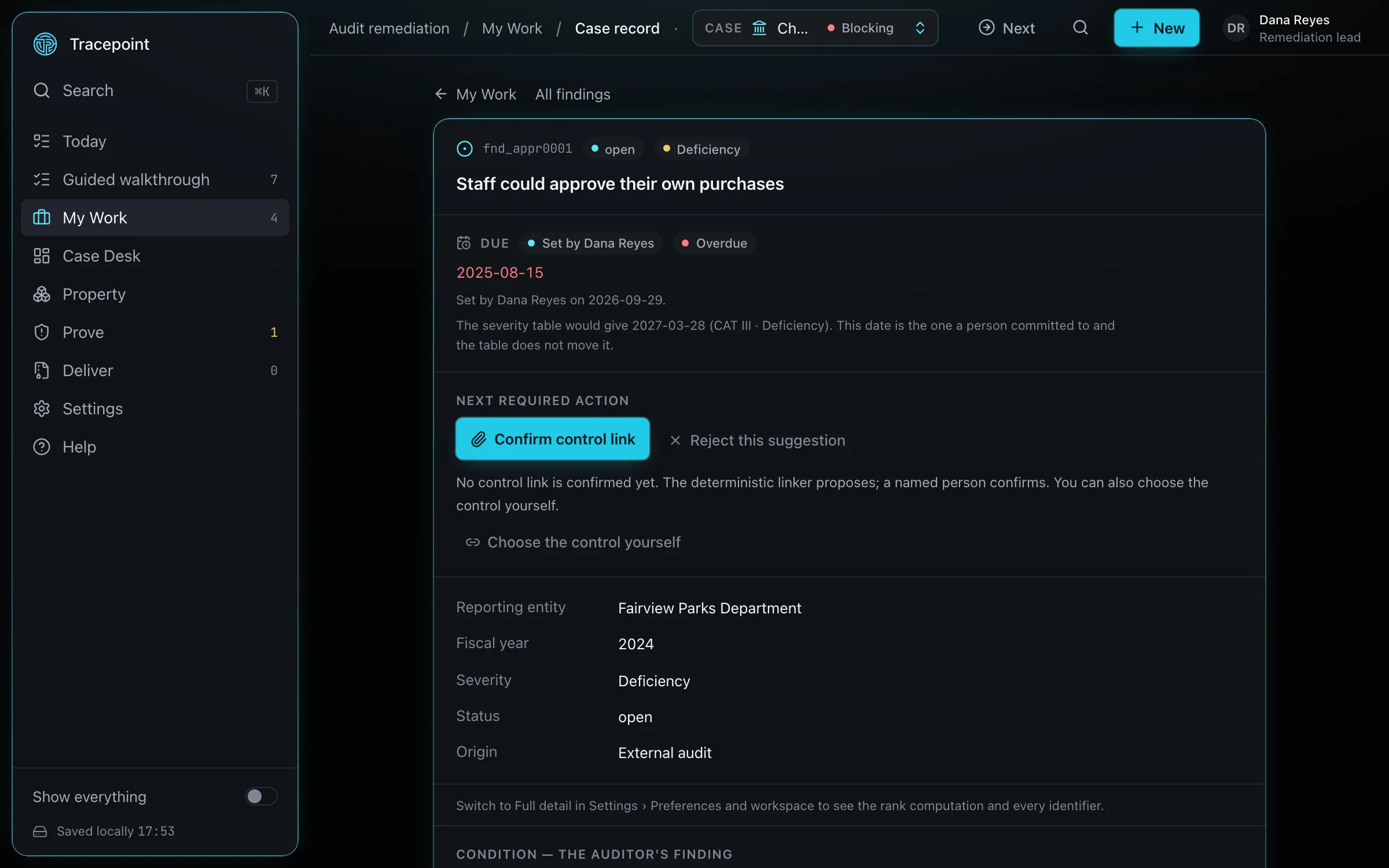
Confirm a control link
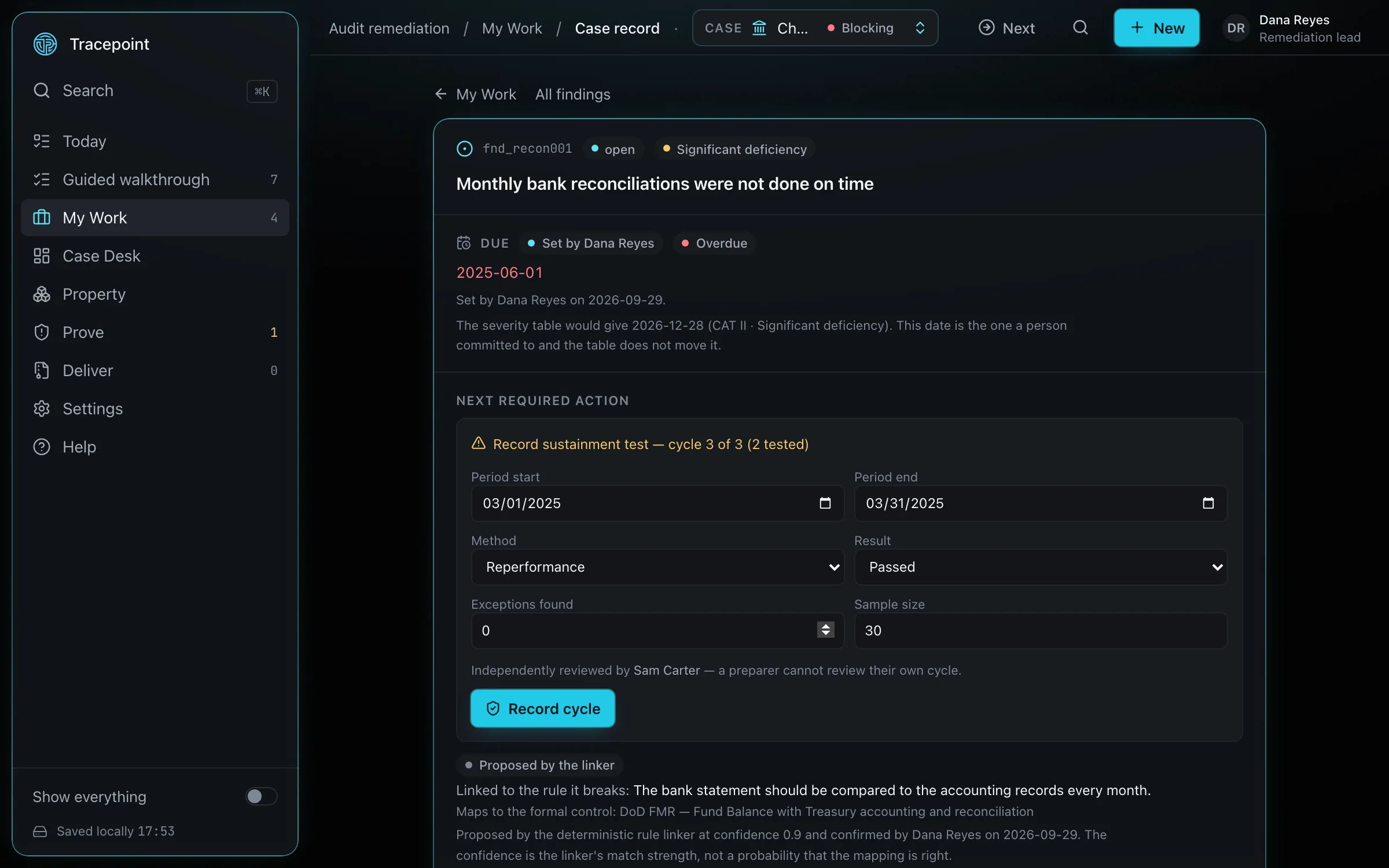
Opening a finding shows the control the linker proposed from the reference packs. A person confirms it, and the confirmation lands on the record under that person's profile name.
Attach evidence and advance a corrective action
Evidence is hashed with SHA-256 in the browser the moment it is attached, and the digest is recorded. A corrective action advances through its states, and the screen shows which transitions the current role is permitted to make.
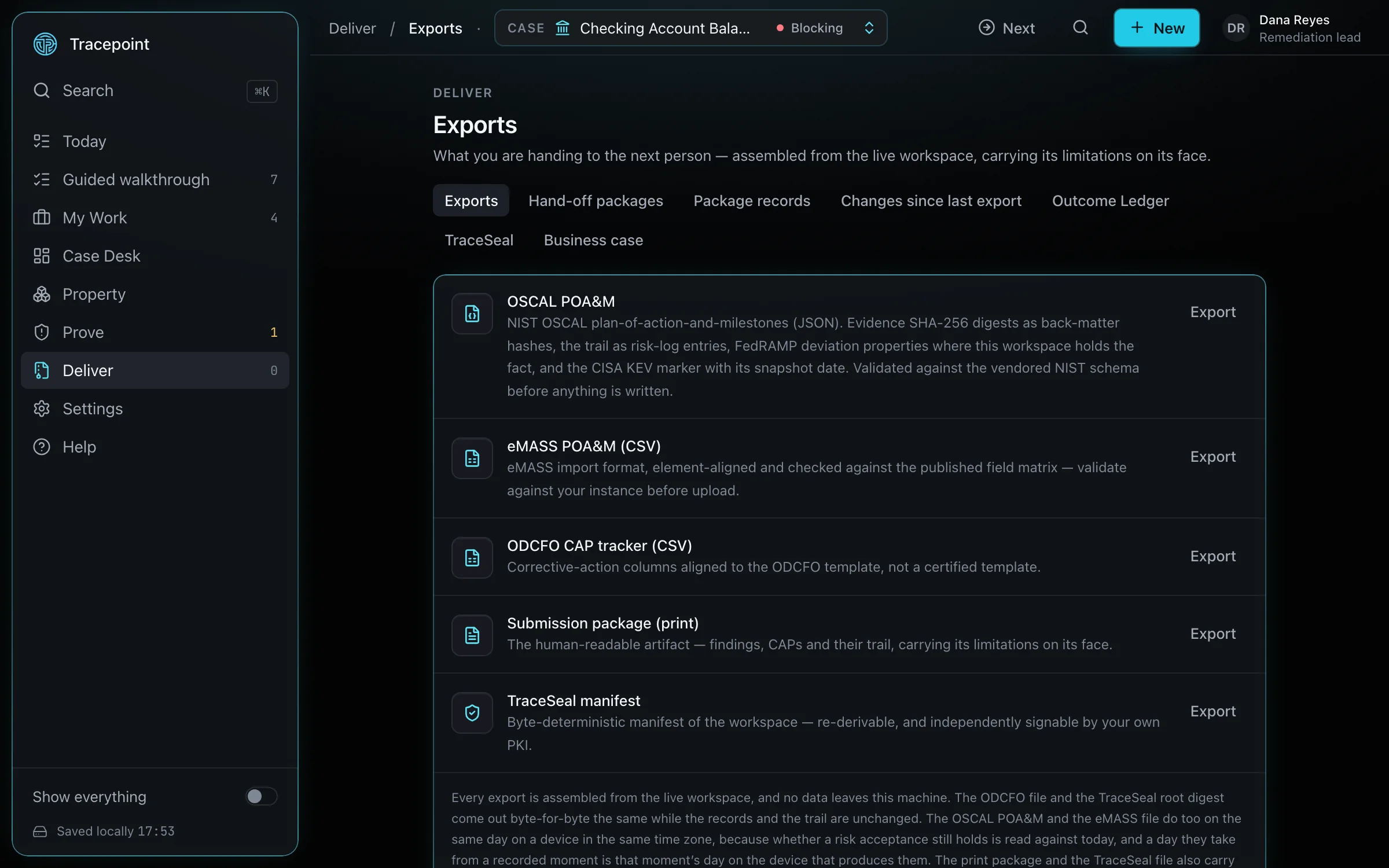
Export the package
Under Deliver, the Full Export Package is built. The reviewer package is an inert single HTML file that carries the TraceSeal, including the rules for re-deriving its digest without this software.